
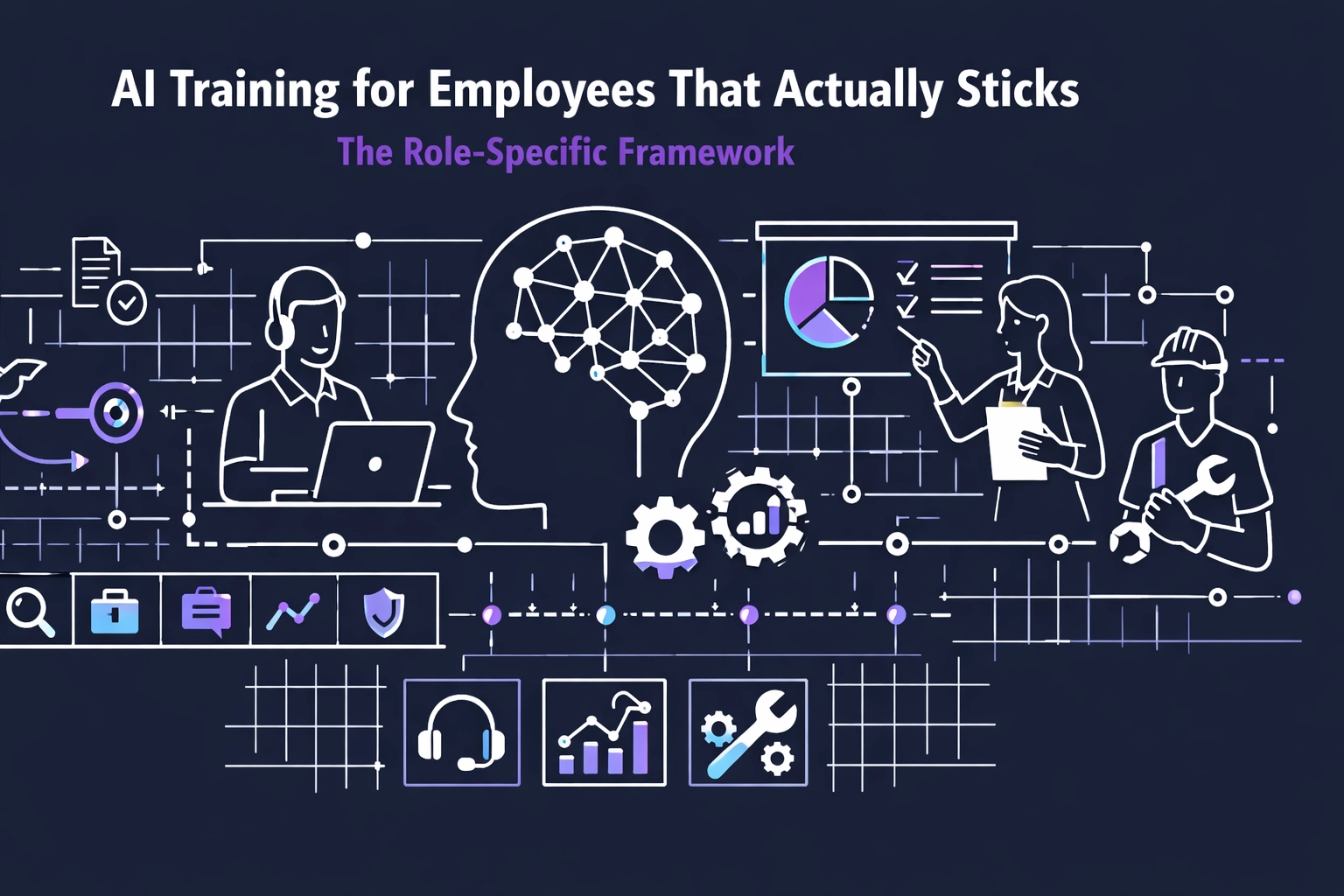
AI Training for Employees That Actually Sticks: The Role-Specific Framework
AI Training for Employees That Actually Sticks: The Role-Specific Framework
Your all-hands AI webinar failed.
The company-wide tool demo failed.
The "Introduction to ChatGPT" lunch-and-learn failed.
Problem: it had no job context. No real tasks. No deadline pressure.
Solution: train by role. Train by task. Train for today.
Stop burning money on generic training
Generic AI training produces generic results.
Which is to say. No results.
It's not "upskilling."
It's billable hours. Lit on fire.
Do this instead. Train by role. Then by task.
Here's what works: AI training mapped to the exact job someone does before 5 PM.
Not theory.
Not "what AI is."
Not a tool tour.
Customer service doesn't need to know how the model is built. They need to:
- summarize a 30-message ticket thread in 10 seconds
- pull last order + last complaint without clicking 8 tabs
- draft a clean reply that matches your policy
Finance doesn't need a prompt class. They need to:
- build the variance report in minutes, not hours
- flag P&L anomalies fast
- tighten month-end close steps
Marketing doesn't need a lecture. They need to:
- produce 10 ad variations in 15 minutes
- rewrite product pages that convert
- segment lists without spreadsheet gymnastics
Rule: Role first. Task list second. Tool last.
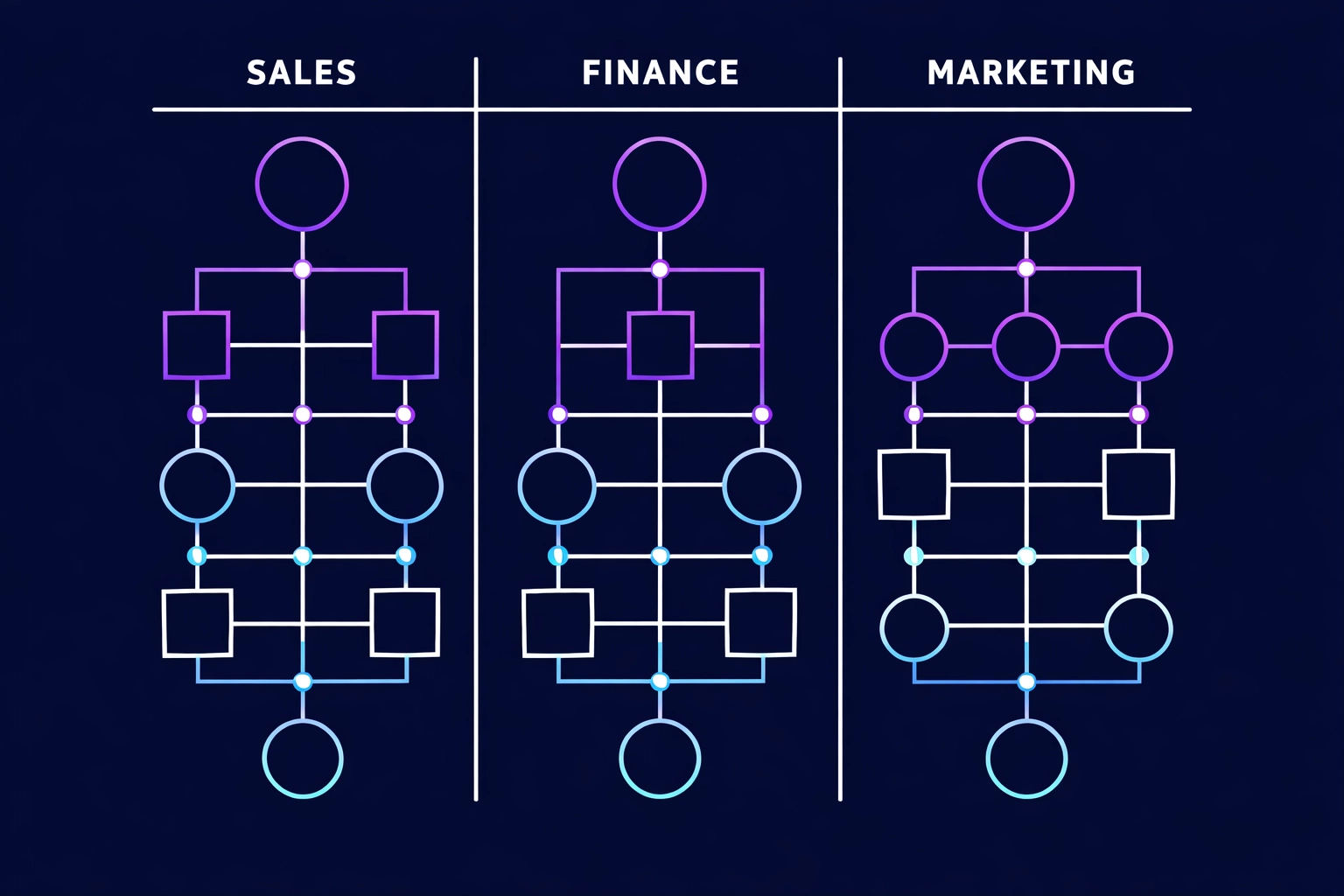
Problem/Solution: why generic training never sticks
Problem: training that doesn't touch the workflow dies fast.
Employees attend. They nod. They forget.
Because it never connects to the work.
No bridge between "cool demo" and "what I need to finish before 5 PM."
Solution: train inside the job. On real tasks. With real inputs.
Problem/Solution: generic training is money on fire
Problem: you pay for time. Not vibes.
Every hour in a generic webinar is an hour not shipping work.
Use the CFO math:
(Number of employees) x (Hourly rate) x (Hours in useless training) = Money you lit on fire.
Solution: replace "AI fluency" goals with job outputs.
Measure in hours. And P&L.
Run the field manual. Not the textbook.
You don't need a five-layer "architecture."
You need five directives people can follow.
01. Define the job outcomes Pick 3 tasks per role. The ones that eat the week.
Output: a one-page "Top 3 Tasks" list per role cluster.
02. Lock the tools Choose the tools you will support. Period. Examples: Microsoft Copilot, ChatGPT, Claude.
Output: an approved-tools list + access checklist.
03. Teach prompts as checklists No prompt theory. Just reusable patterns that produce clean outputs.
Output: 10 ready-to-use prompts per role.
04. Put AI into the workflow If it lives in a separate tab, it dies.
Output: SOP updates. Templates. Buttons. Saved replies.
05. Enforce the safety rails Privacy. Client data. Compliance. Teach it like a jobsite safety briefing.
Output: a one-page "Do / Don't" sheet per role.
Implementation: The 90-Day Rollout
Stop piloting. Start deploying.
This is a build. Not a brainstorm.
90 days. No excuses.
Week 1-2: Map the work Problem: you can't train a job you haven't measured.
Solution:
- group people by role cluster (Sales, Customer Service, Finance, Marketing, Ops, HR, IT)
- list the top 3 repeat tasks per cluster
- mark the handoffs. The approvals. The bottlenecks
Deliverable: Role-to-AI mapping document. Tasks first. Tools second.
Week 3-4: Build the playbooks Problem: "learning paths" sound nice. They don't ship outcomes.
Solution:
- turn each top task into a 1-page playbook
- include inputs, steps, and a definition of "done"
- add 10 prompts + 3 templates per role
Deliverable: Role playbooks. Ready to use Monday morning.
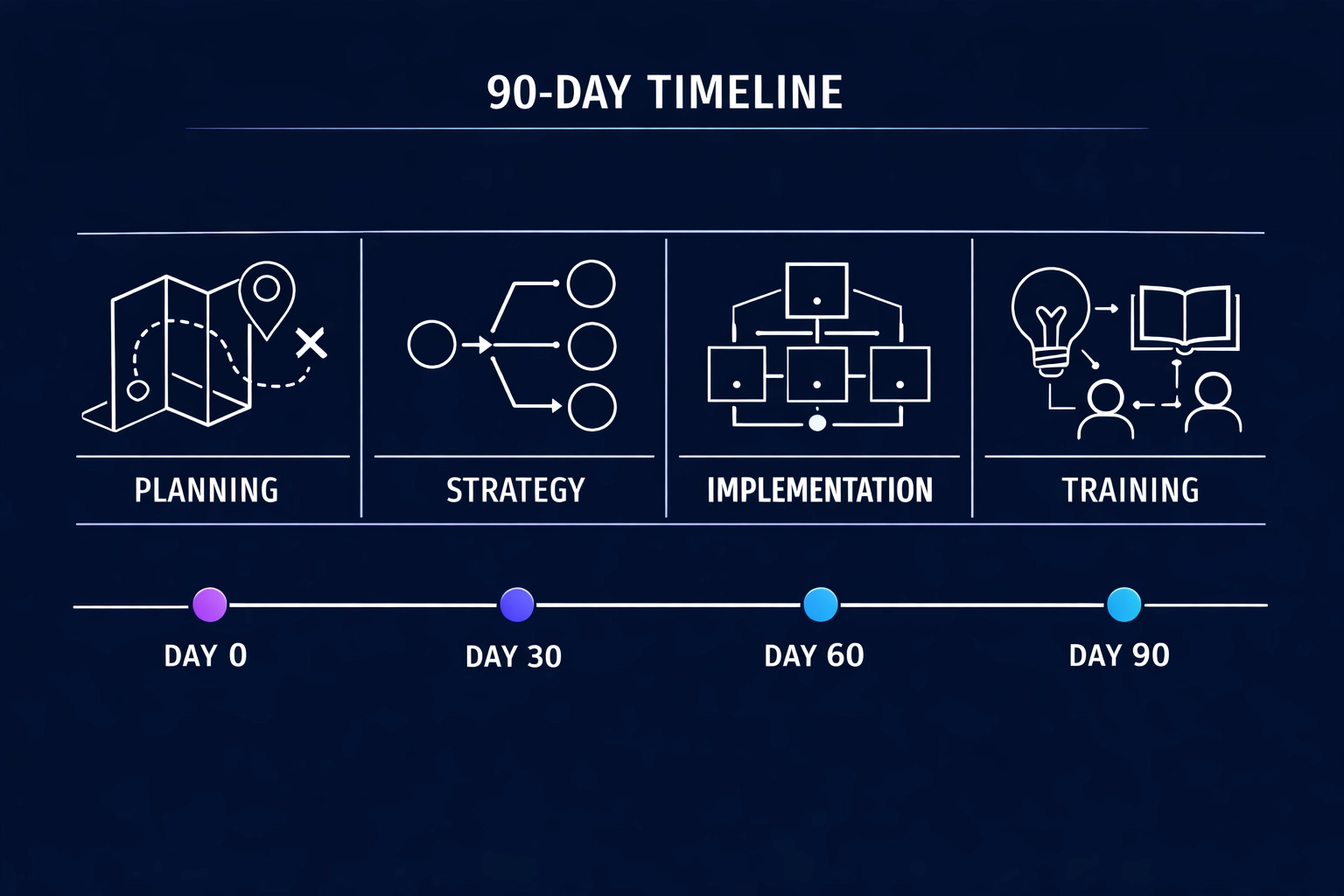
Week 5-8: Train inside the work Problem: long sessions get skipped. Then forgotten.
Solution:
- 30–45 minutes per module
- hands-on only
- use real tickets, real quotes, real spreadsheets, real campaigns
- require output by end of session. No output. No credit.
Deliverable: documented use cases per employee. With links. With before/after time.
Week 9-12: Lock it in Problem: one training burst fades. Then people revert.
Solution:
- set up a weekly 30-minute "prompt lab" per role cluster
- publish the top 5 winning prompts each week
- update SOPs so AI steps are the default, not the hack
Deliverable: an internal library of role-specific prompts, templates, and SOPs.
Executive Participation Changes Everything
Leaders set the speed limit.
If leadership treats AI like a side quest, the team will too.
Do this:
- executives complete the same modules
- executives show one real workflow in a team meeting
- executives demand outputs. Not "engagement"
When the CFO shows a faster close step, Finance copies it.
When the VP of Sales shows a working email workflow, reps use it.
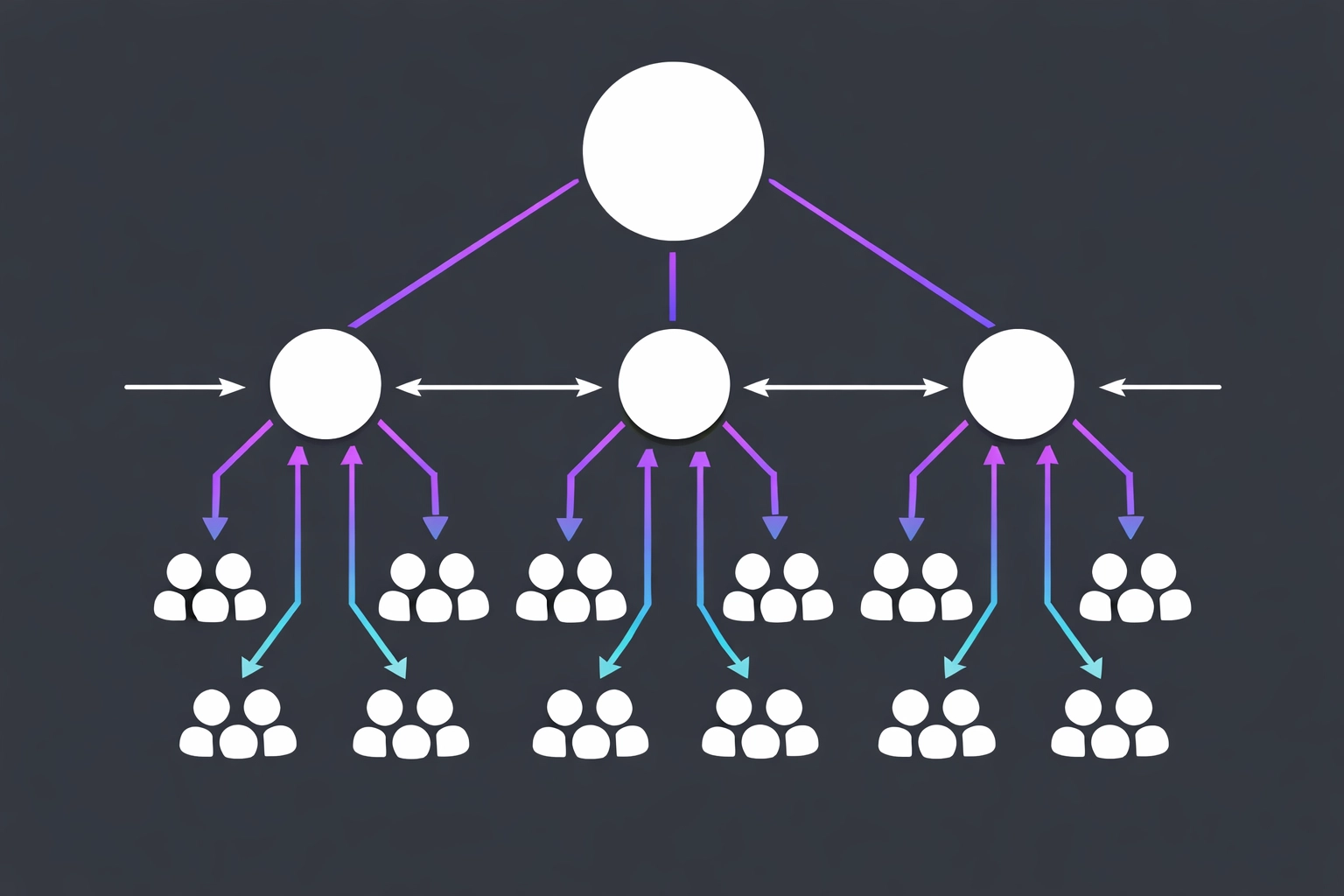
Top-down proof. Bottom-up adoption.
Measurement Framework
Track three metrics only.
Not "fluency." Not "confidence." Not vibes.
01. Adoption Rate Percent of employees using the approved tools weekly. Target: 70% within 90 days.
02. Hours Saved Hours per week reclaimed per employee. Track it per role. Track it per task.
ROI formula: (Frequency x Time Saved x Billable Rate) - Training Cost
03. P&L Impact + Quality Time saved is nice. Margin is the point.
Measure:
- fewer overtime hours
- faster cash collection
- lower cost per ticket
- higher quote volume per rep
- fewer errors and rework
Audit outputs. Fix the playbook. Repeat.
The Regulatory Layer
If you have compliance requirements, handle them.
Do not jam legal training into job training.
Compliance is a checkbox.
Role training is production.
Run compliance through legal and risk. Separately. Cleanly.
What You Walk Away With
Not concepts. Artifacts.
01. Role-to-task map One page per role cluster. Top 3 tasks. Clear owners. Clear handoffs.
02. Role playbooks Prompts. Templates. SOP steps. Ready-to-use.
03. ROI scoreboard Hours saved. P&L impact. Quality checks.
Generic training teaches what AI is.
Role-specific training ships what AI does.
Awareness vs velocity.
Pick velocity.
Next Steps
Do the map.
Pick one role cluster.
Run the 90-day build.
Or keep paying for webinars that create meeting fatigue and zero margin.
Explore the AI Leadership Blueprint if you need a plan leadership can review.